
Box 14 of 23.
You packed the passports. You don't know where. Now you're opening every box in the hallway.
 Stash Findr
AI home inventory · iPhone & Android
Snap a photo and AI writes the card. Note where the thing lives. Months later, ask for it in your own words and see the box, shelf or drawer it's in.

Free to start · Pro is a one-time purchase, no subscription
The problem
Nobody remembers what's in box 14, which drawer has the spare charger, or what the TV cost three years ago. Until the day it matters.
You packed the passports. You don't know where. Now you're opening every box in the hallway.
You're the only one who knows where things are, so everyone asks you. Now they can ask the app.
After a flood or a burglary, the insurer wants a list with photos, prices and serial numbers.
The cough syrup, the sunscreen, the berries at the back of the freezer. Found a month too late.
Stash Findr is a catalog of everything you own that fills itself in. Take a photo, say where it lives, and stop searching.
How it works
Three steps, about ten seconds per thing. No forms to fill in, no tags to remember.
1–4 photos from the camera or your gallery, and a note if you like. Or scan the barcode, and scan it again later to find it.
Title, description, tags, catalog, place and even the expiry date, read off the photos. You only check.
Type it or say it. Findr looks through titles, tags, catalogs, notes and places, and adds synonyms itself.
Why AI
That's why home inventories get abandoned on day two. By hand, every card means typing a title and description, inventing tags, picking a catalog and filling in fields. AI reads your photos and does all of that for you.
100 things: about 2–3 hours by hand, under 20 minutes with AI.
Prefer to type? Cards by hand are always free. AI just makes it fast enough to actually finish.
Use cases
Whatever you're keeping track of, it's the same three steps.
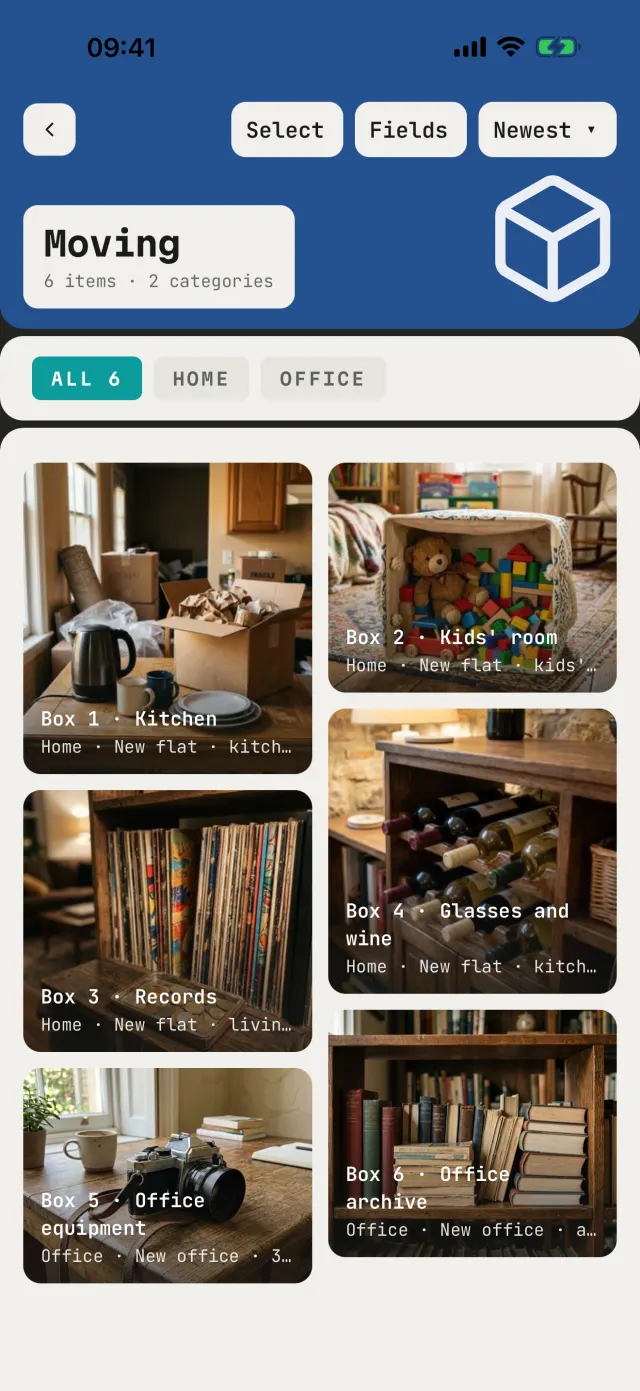
Packing yourself or with movers: what's in every box and where it goes.
After a fire, flood or burglary it's far harder to prove what you had.
The pantry, the freezer and the first-aid kit all quietly run out.
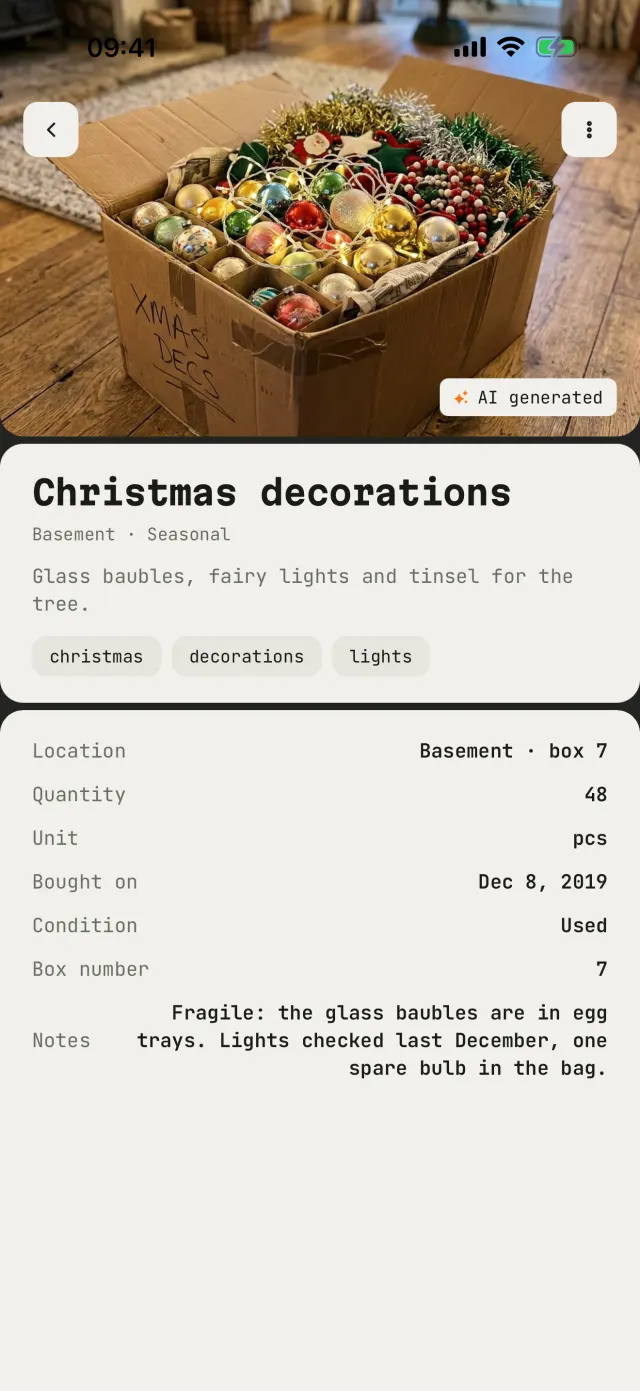
Basement, attic, storage unit: closed boxes keep secrets.
The winter jacket is in a vacuum bag. Which one?
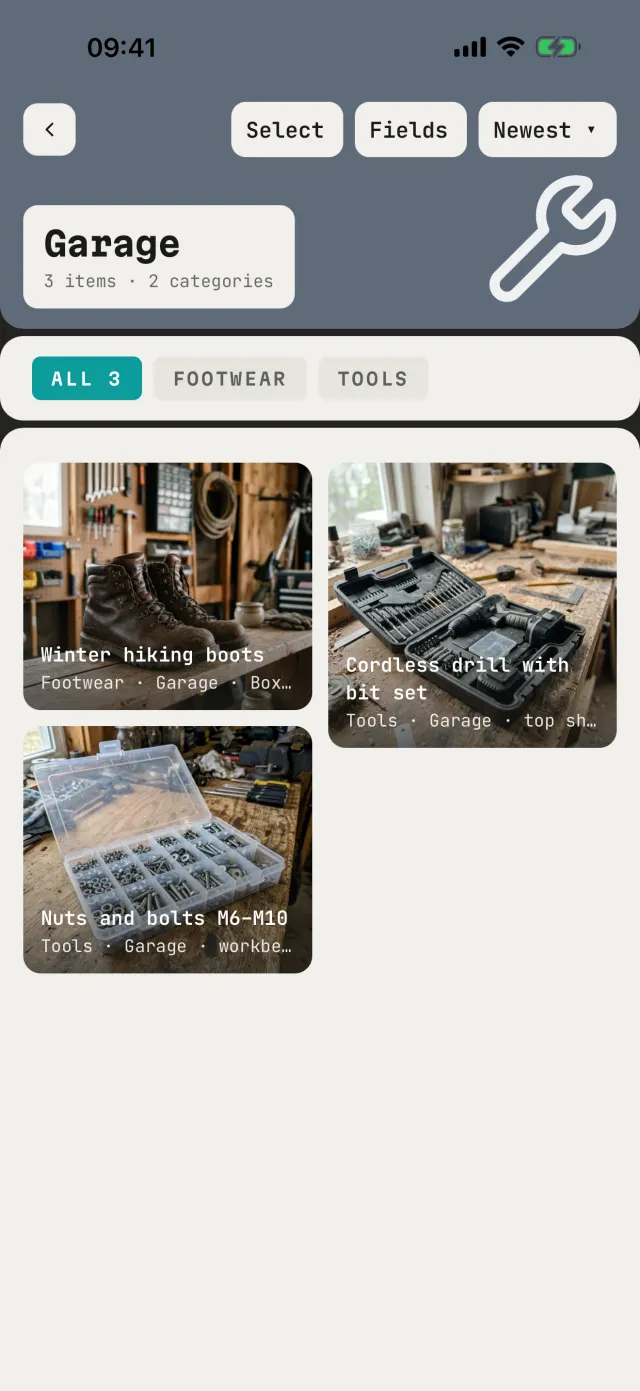
Tools, hardware and spare parts: somewhere on those shelves.
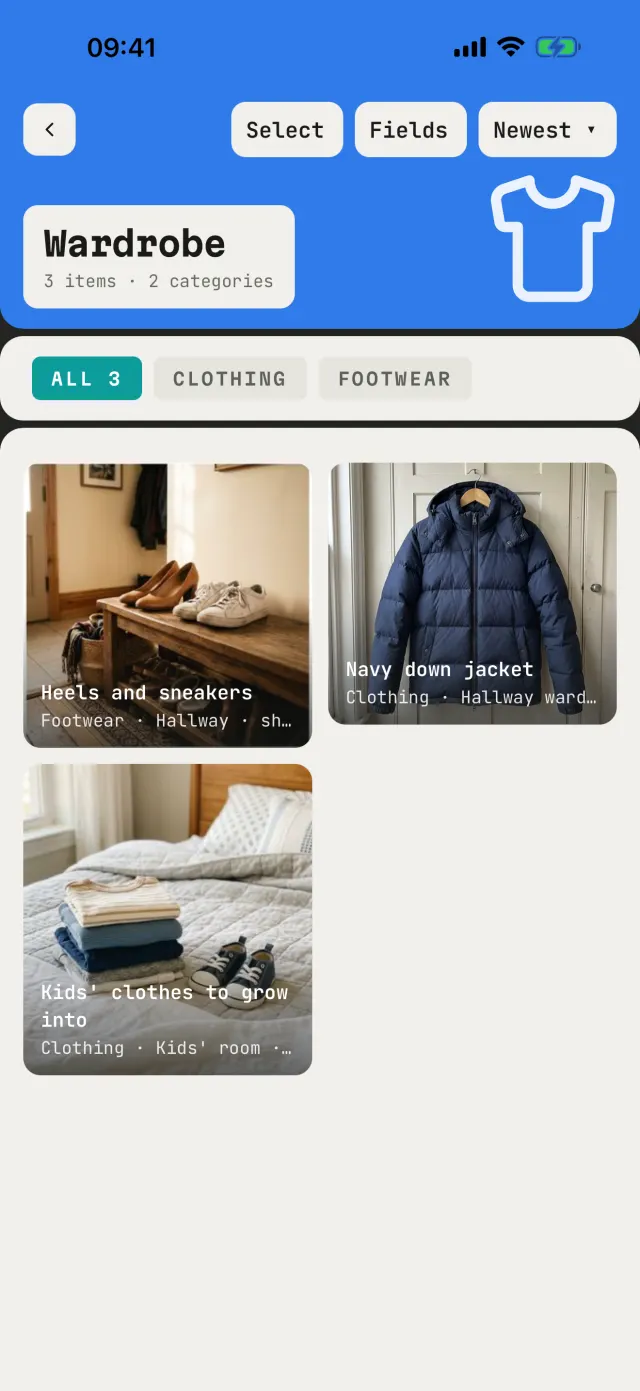
“Mum, where's my…?” Now they can ask the app.
Everything else
On the phone, in a folder you choose, on an SD card, in iCloud or in your Google Drive.
Scan to add. Scan again to find it.
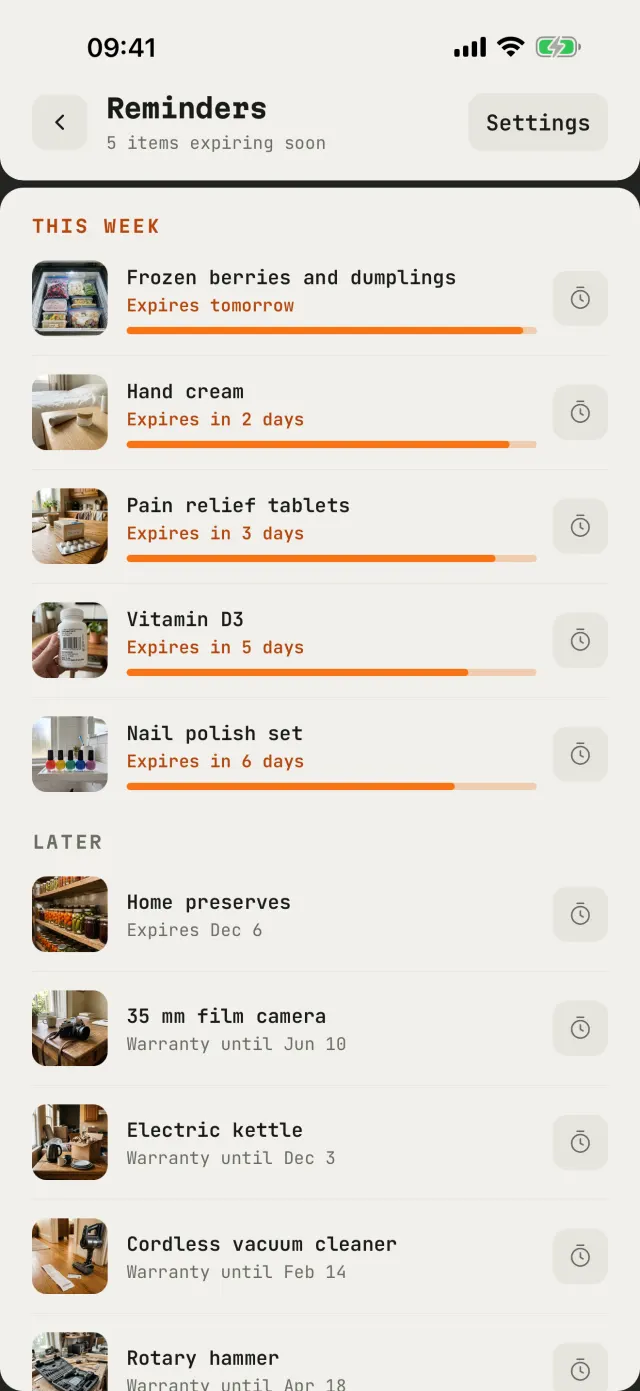
A month, a week and a day before.
A new card in one tap, search, your things on the home screen.
Lock the app with a PIN and Face ID or Touch ID.
Take everything with you at any time.
English, Українська, Polski, Deutsch, Français, Español and Italiano. Ask Findr in any of them, by voice too.
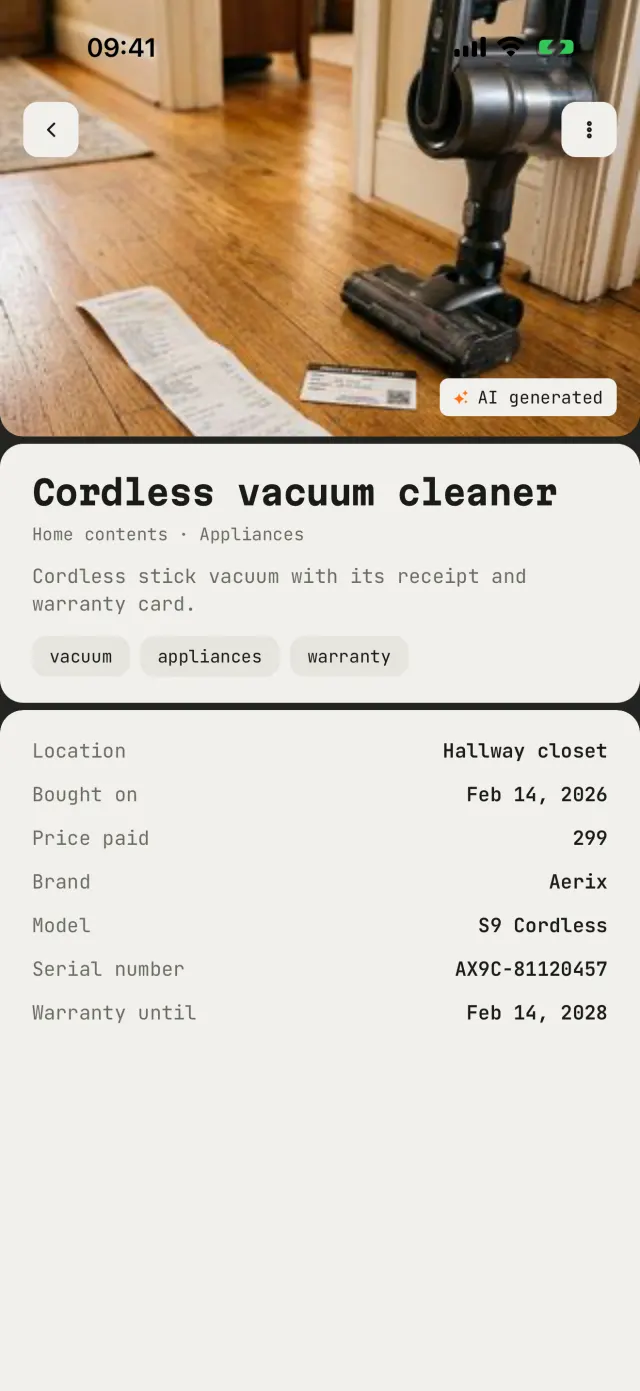
Size, brand, warranty, serial number, or a field you create.
Pricing
No subscription. AI runs on tokens: buy a pack when you need more, and they never expire.
$0
$9.99 once
1 token = 1 AI card, or 10 AI searches.
App Store prices in the US. Prices in your country and on Google Play may differ slightly.
Questions
Without AI you fill in each card yourself: a title, a description, tags, the catalog, the place, and fields like brand, size or expiry date. That's a minute or two per thing, and a home has hundreds of things. AI looks at your 1–4 photos (and your note, if you add one) and fills all of that in within seconds. You check it, fix anything, and save. AI search works the same way: you ask in your own words, and AI turns it into the right search with synonyms and filters.
One token makes one AI card, or pays for 10 AI searches. New accounts get 5 tokens to try, Pro adds 30 more, and packs are there when you need more. Tokens never expire. Making a card by hand never costs anything.
No. Pro is a one-time purchase tied to your Apple ID or Google Play account. Only AI tokens are sold separately, in packs.
Yes, for everything on your phone. All your cards and catalogs, including ones shared with you, are stored on the device, so browsing and ordinary search work offline. Photos kept on the phone, in your folder or already downloaded from a shared catalog open without a connection. Photos stored in iCloud or Google Drive open offline if you've viewed them before and the phone still keeps the copy. AI cards, AI search, sync and sharing need a connection.
Where you choose: on the phone, or with Pro in a folder you pick, on an SD card, in iCloud or in your Google Drive. Photos of a catalog you share pass through our cloud only to reach the people you share with. You can export everything to a ZIP at any time.
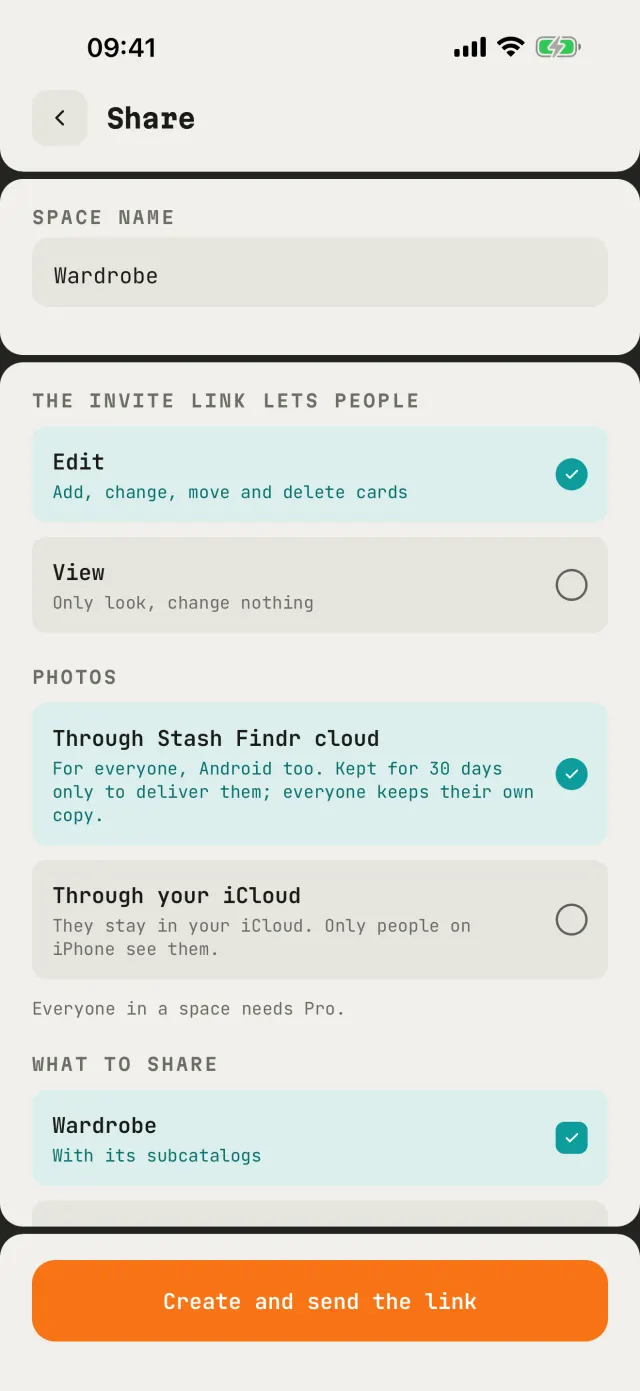
Yes. Share a catalog with a link and choose who can edit and who can only view. Sharing is a Pro feature, for everyone in the catalog.
English, Ukrainian, Polish, German, French, Spanish and Italian: the app, the AI cards and AI search.